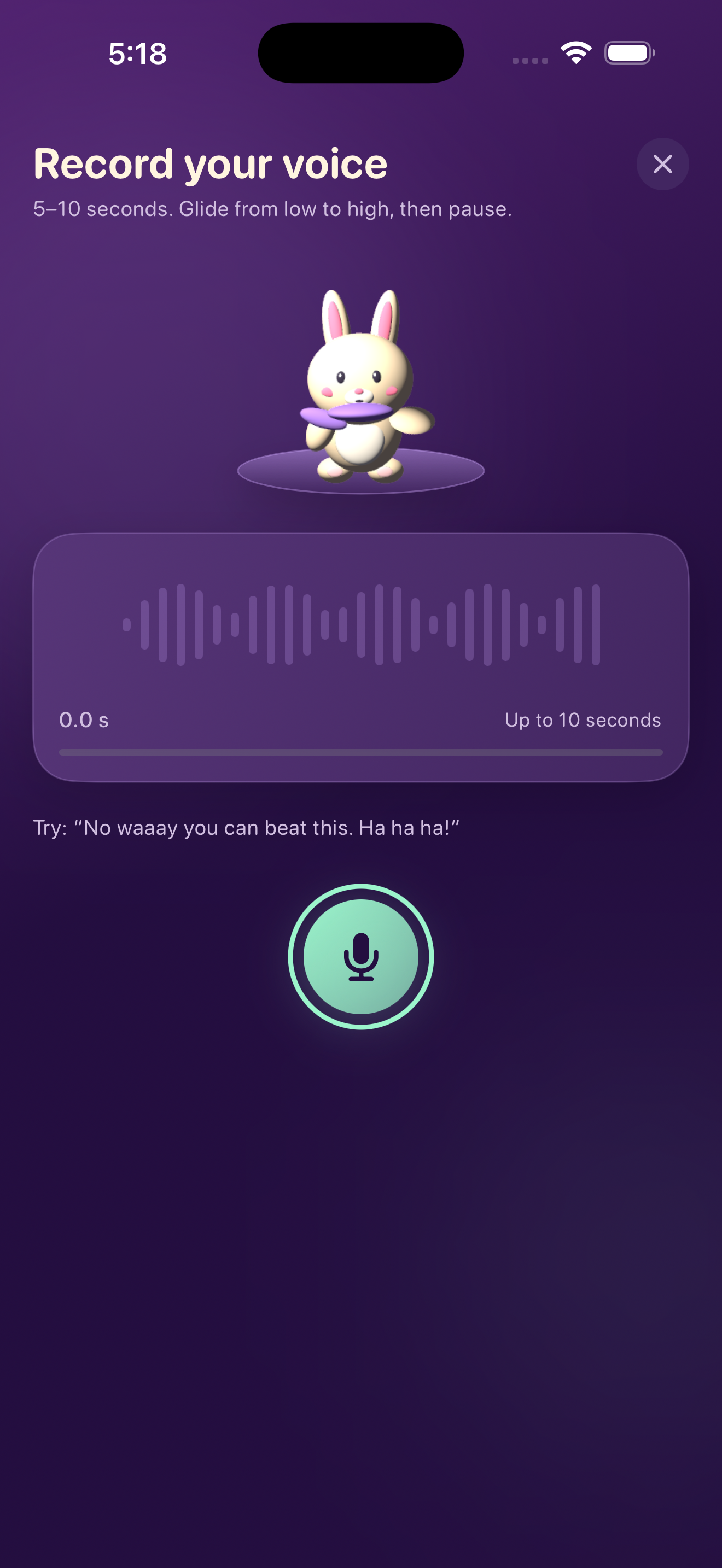
Record your voice
Speak or hum for 5–10 seconds. Changing pitch changes the shape of the course.
FREE ON IPHONE & IPAD
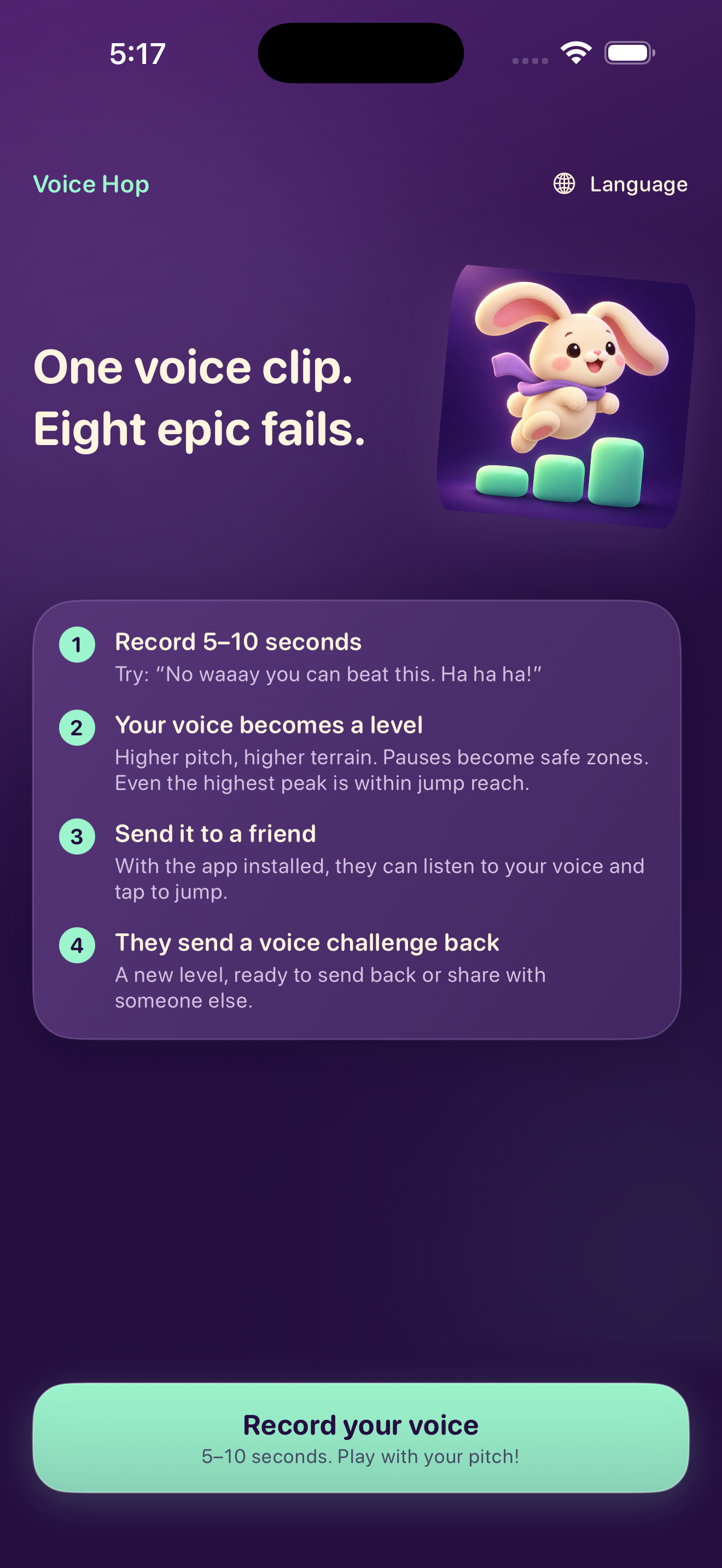
Say it. Hop through it. Send it to a friend.
Voice Hop turns a 5–10 second recording into a jumping course. Higher notes raise the terrain, pauses give you breathing room, and your original voice plays as you hop.
Free, with no ads, in-app purchases, or separate Voice Hop account. iCloud links require an active iCloud account.

HEAR THE ORIGINAL AUDIO
Watch a replay exported by Voice Hop: the recording shapes the course, and its original audio plays with the bunny's recorded path. Tap or hold to jump when you play.
Demo uses synthesized test audio and debug-only automated jumps, not a human play session. Watch the longer silent simulator capture.
THREE SMALL STEPS
Speak or hum for 5–10 seconds. Changing pitch changes the shape of the course.
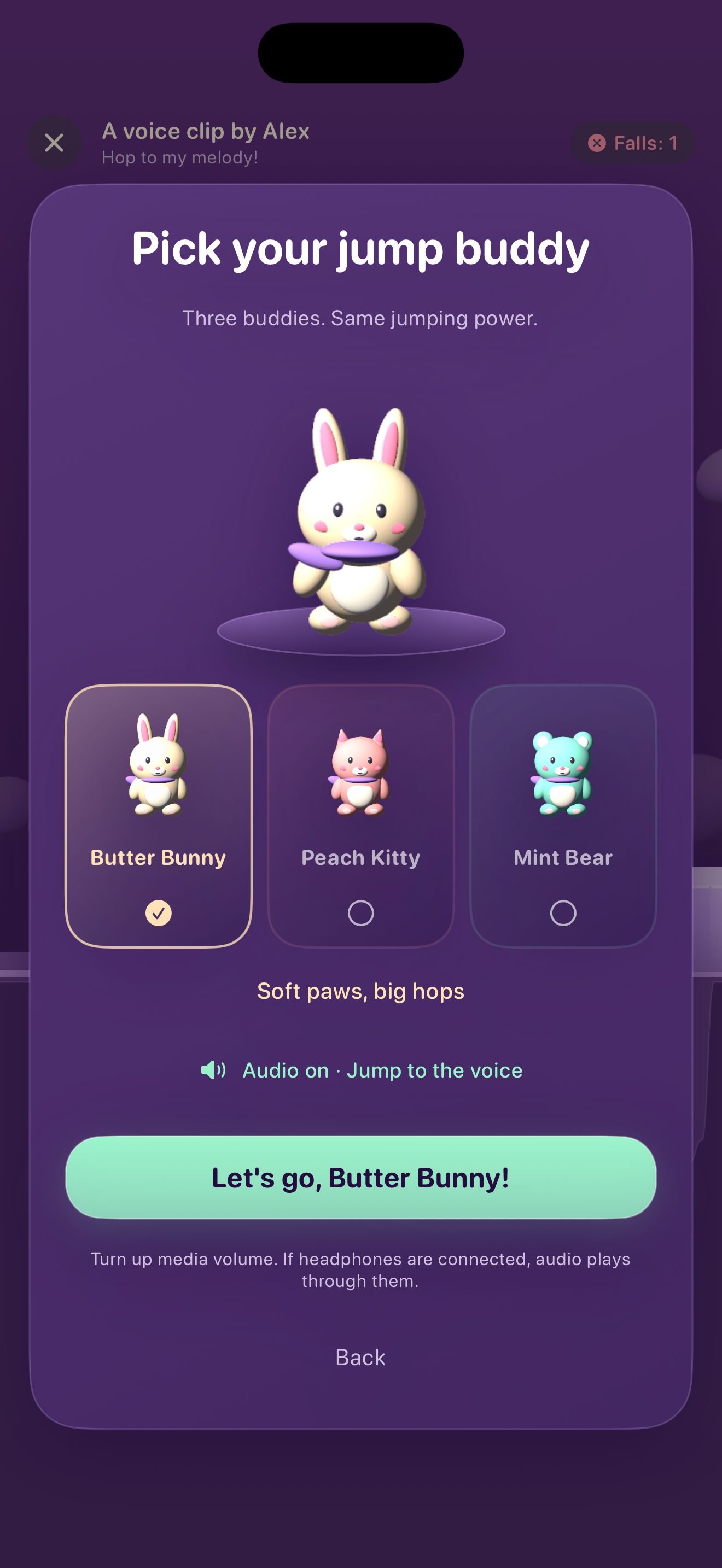
Choose Butter Bunny, Peach Kitty or Mint Bear. Listen to your recording while jumping over the terrain it made.
Create an iCloud challenge link and send it through Messages or Mail. Your friend opens it in Voice Hop and accepts the challenge. Both people need active iCloud accounts.
QUESTIONS
Your voice creates the level first; it does not steer the character live. During play, you tap or hold to jump while hearing the original recording.
No. Microphone access is needed to record a new challenge. You can play a challenge received from a friend without recording.
Choose Create link and share to upload the challenge to iCloud and send its link. The recipient needs Voice Hop and an active iCloud account. If the app is not installed, install it, return to the message, and tap the same link again; installation does not import it automatically. As a backup, send the original ZIP by email, save it to Files, and import it from Voice Hop. A replay video is for watching, not playing.
Recording and level generation happen on your device. Creating an iCloud link uploads the original recording, generated level, display name, and caption to your private iCloud database. Anyone with the read-only link and an active iCloud account can receive, save, or forward the challenge. Other sharing services receive the files you choose to send. See our privacy policy for details.
Voice Hop allows new imports for 30 days. Cloud cleanup is attempted when the sender next opens the app online in the same iCloud account, not at an exact deadline. In Manage cloud shares, the sender can request deletion and stop sharing; deletion is complete only after iCloud confirms it. Local originals and recipients' saved copies are not erased by that action.
For troubleshooting, visit Help & Support or email ydengeh@yahoo.com.